TL;DR
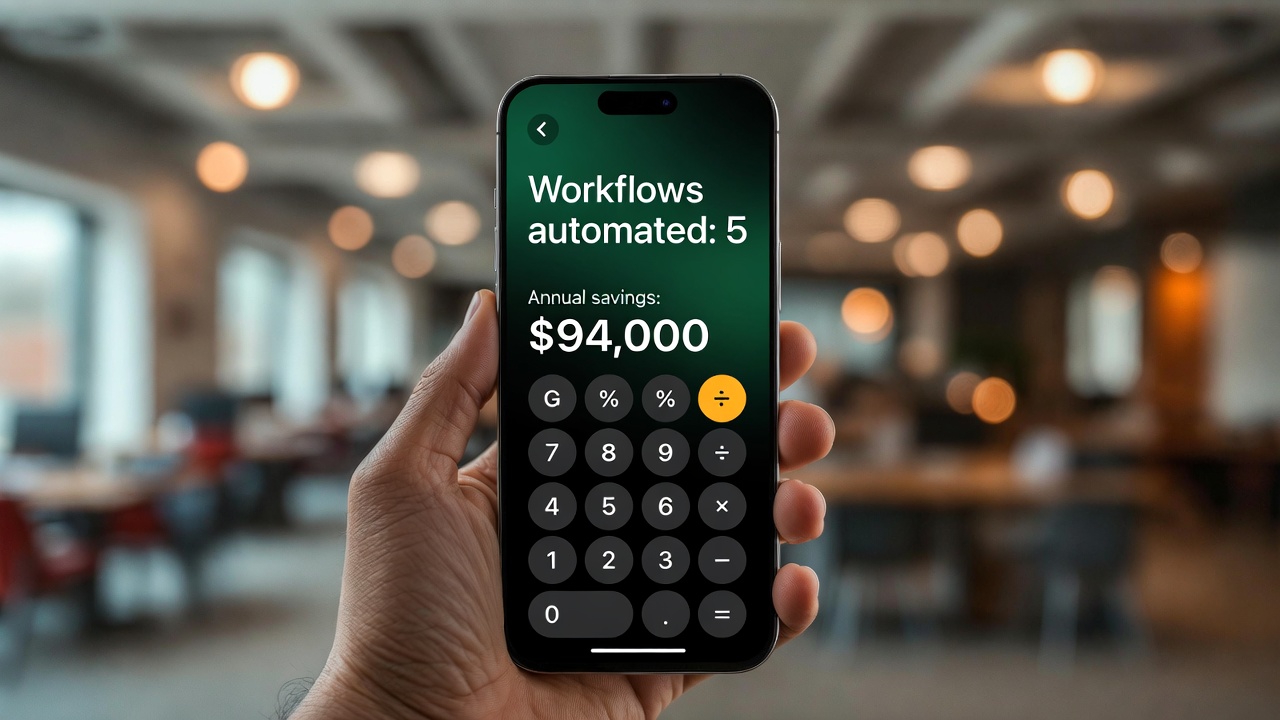
You don't need a 3-month digital transformation to start saving serious money with automation. These five workflows — invoice processing, CRM hygiene, weekly reports, social scheduling, and lead routing — can be live within a week each, and together they can save a 20-person business $80,000–$120,000/year in labour costs. Start with the one that hurts the most.
Why These Five Workflows?
We reviewed automation ROI across 80+ business implementations over the past two years. These five workflows consistently appeared in the top 10 by return on investment. They share three characteristics: they're high-frequency (daily or weekly), they're rules-based enough that AI handles them reliably, and they consume substantial staff time that could go elsewhere.
The ROI estimates below are calculated based on: median Canadian/US labour costs at the relevant seniority level, actual time savings measured in our client implementations, and tool costs at the time of writing. Your numbers will vary — but the direction will be the same.
Workflow 1: Invoice Processing
Time saved: 15–25 hours/month per $1M in accounts payable volume
The average accounts payable process looks like this: invoice arrives by email or post, someone manually enters line items into an accounting system, a manager approves, payment is scheduled. For a business processing 200 invoices/month, that's 40–60 hours of staff time per month on a process that generates zero revenue and carries significant error risk.
What to automate:
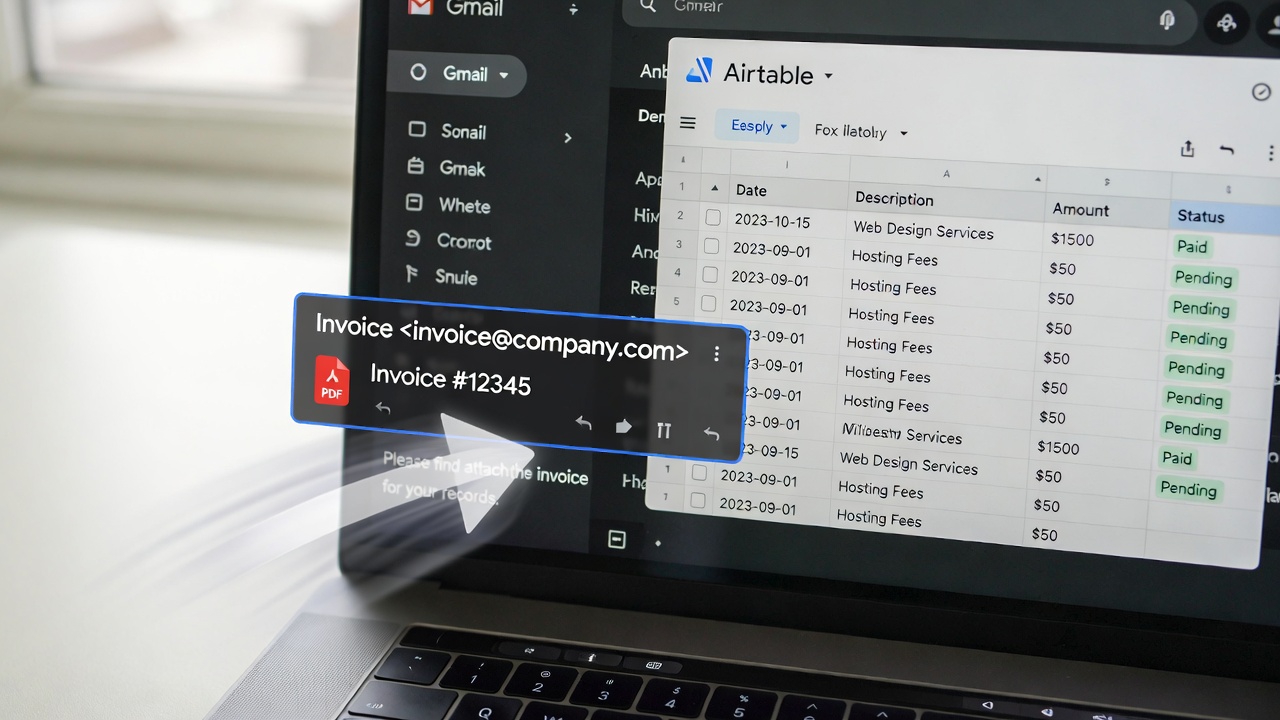
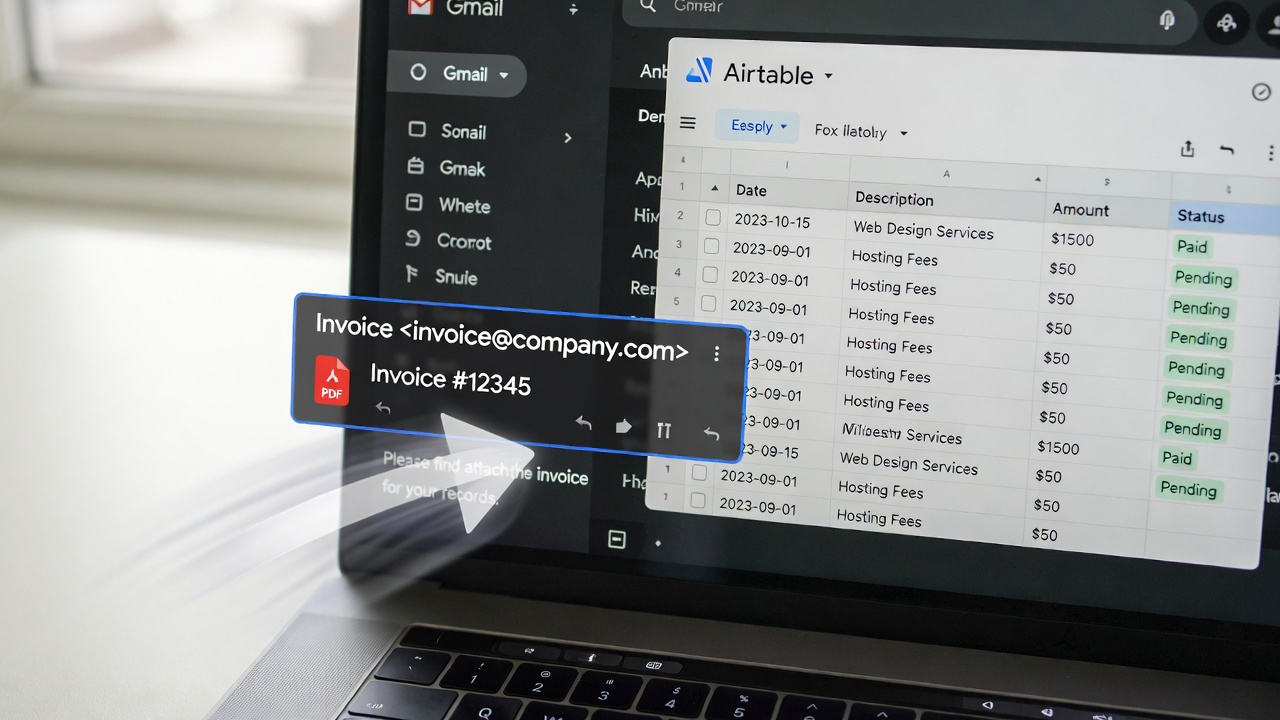
- Capture: Invoices arriving by email are automatically detected and extracted using an email webhook. PDF invoices are processed with an OCR + AI extraction layer (we use AWS Textract or Google Document AI) that pulls vendor name, invoice number, date, line items, totals, and payment terms.
- Validation: The extracted data is matched against your vendor master in your accounting system (QuickBooks, Xero, Sage). Mismatches — unknown vendor, amounts outside expected range, duplicate invoice numbers — are flagged for human review.
- GL coding: AI assigns general ledger codes based on vendor and line item description, using historical coding patterns as training data. Accuracy on repeat vendors exceeds 95%.
- Approval routing: Invoices below your approval threshold are auto-approved and queued for payment. Above-threshold invoices are routed to the appropriate approver via Slack or email with a one-click approve/reject interface.
Tools: Make.com or n8n for orchestration, AWS Textract or Google Document AI for OCR, QuickBooks/Xero API for accounting system integration, Slack API for approvals.
Build time: 5–8 days. Annual savings: $18,000–$35,000 depending on invoice volume.
Workflow 2: CRM Hygiene
Time saved: 8–12 hours/week for a 5-person sales team
A CRM is only as useful as its data quality. Most CRMs degrade over time because keeping them updated requires manual data entry — and salespeople, rightfully, prioritise selling over admin. The result is stale deal stages, missing contact information, and managers making decisions based on data that's 6 weeks out of date.
What to automate:
- Email parsing: Every email sent or received by your sales team is parsed automatically. The AI extracts the conversation topic, any commitments made, and the apparent deal stage, and updates the CRM record accordingly.
- Contact enrichment: New contacts added to the CRM automatically trigger an enrichment workflow — pulling LinkedIn data, company info, and tech stack from Apollo or Clearbit to fill in missing fields.
- Deal stage updates: Based on communication patterns and keywords (proposal sent, meeting scheduled, contract reviewed), the AI suggests deal stage updates. Reps see a "stage update recommended" notification — one click to accept.
- Stale deal alerts: Any deal that hasn't had activity in 14 days automatically triggers a reminder to the owning rep with the last context and a suggested next action.
- Duplicate detection: Weekly automated scan for duplicate contacts and companies, with suggested merge actions.
Tools: HubSpot, Salesforce, or Pipedrive API + n8n + GPT-4 for email parsing + Apollo for enrichment.
Build time: 4–6 days. Annual savings: $22,000–$40,000 in recaptured selling time plus improved deal velocity from cleaner pipeline data.
Want us to build these workflows for you?
We scope, build, and deploy automation workflows in 5–10 business days. Pick one workflow and we'll show you the ROI in 30 days.
Workflow 3: Weekly Business Reports
Time saved: 4–8 hours/week across leadership and ops
Every business runs on weekly reports — revenue, pipeline, support metrics, marketing performance, burn rate. The problem is that "running the numbers" consumes 4–6 hours of a senior person's time each week. That's a $50,000/year activity (at senior ops or finance-level rates) that could be fully automated.
What to automate:
- Data collection: Automated connectors pull from Stripe (revenue), HubSpot (pipeline), Google Analytics 4 (traffic), Intercom (support volume), and any other SaaS tools in your stack via their APIs.
- Calculation layer: A data transformation step calculates week-over-week changes, MoM trends, and variance against targets for each metric.
- AI narrative generation: An LLM writes a brief, plain-English narrative summarising the key metrics, highlighting anomalies ("Revenue is up 12% WoW, driven primarily by the SMB segment. Support volume is down 8% — likely a result of the documentation update shipped on Wednesday."), and flagging anything that needs attention.
- Distribution: The formatted report — data tables + AI narrative — is delivered to your Slack channel and emailed to relevant stakeholders every Monday morning at 9am. No one had to do anything.
Tools: n8n for orchestration, native API integrations for each data source, Claude or GPT-4 for narrative generation, Slack and email for distribution.
Build time: 3–5 days. Annual savings: $15,000–$25,000 in recaptured senior time.
Workflow 4: Social Media Content Scheduling
Time saved: 5–10 hours/week for a 1–3 person marketing team
Consistent social media presence drives awareness and SEO. But maintaining it — writing posts, reformatting content for each platform, scheduling, monitoring — consumes enormous marketing bandwidth for a medium-sized business.
What to automate:
- Content repurposing: When a new blog post is published, an automation extracts the key ideas and generates platform-specific posts — a LinkedIn thought leadership post (200–300 words), an X/Twitter thread (5–7 tweets), an Instagram caption. Each is formatted appropriately for the platform's conventions.
- Scheduling: Generated content is queued into your posting calendar with optimal timing per platform (LinkedIn performs best Tuesday—Thursday, 8–10am; Instagram peaks on weekdays at 11am–1pm). Tools like Buffer or Publer manage the posting queue.
- Engagement monitoring: Mentions, comments, and DMs are surfaced in a daily digest to your marketing team, with suggested responses for common queries pre-generated by AI.
- Performance reporting: Weekly summary of reach, engagement, and follower growth per platform, with the top-performing posts identified and a suggested "more of this" direction.
Tools: n8n + OpenAI for content generation + Buffer/Publer API for scheduling + native social APIs for monitoring.
Build time: 2–4 days. Annual savings: $12,000–$20,000 in marketing time. Plus the compounding value of consistent posting (follower growth, inbound leads) that inconsistent human-managed posting would never produce.
Workflow 5: Lead Routing and Assignment
Revenue impact: 15–25% improvement in lead-to-meeting conversion
Lead response time is the single biggest predictor of whether an inbound lead converts. The data is stark: leads contacted within 5 minutes of submission are 21x more likely to convert than those contacted after 30 minutes. Most businesses respond within 24–48 hours. That's not a conversion problem — it's an infrastructure problem.
What to automate:
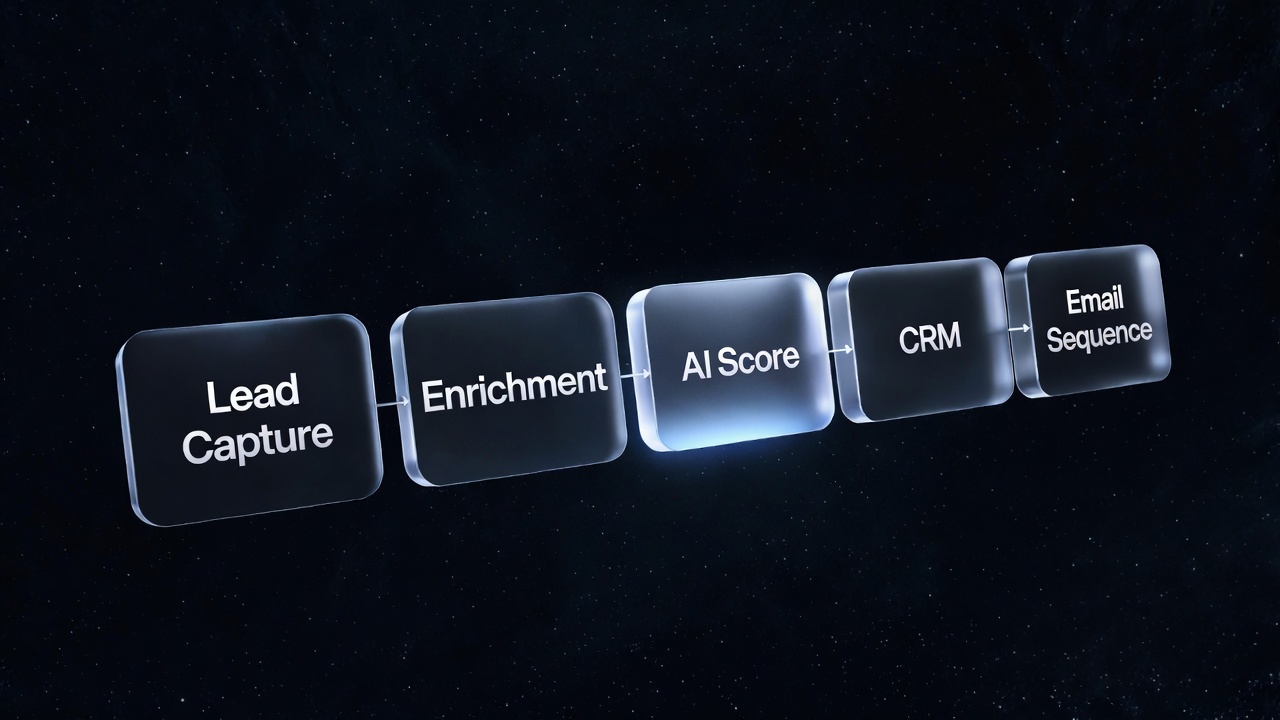
- Instant qualification: Every inbound lead is immediately scored by AI against your ICP criteria (company size, industry, role, message intent). High-fit leads are flagged for priority response within 5 minutes.
- Smart assignment: Leads are routed to the right rep based on geography, industry vertical, company size, and current rep capacity. Not round-robin — contextual matching.
- Instant follow-up: A personalised email is sent to the lead within 60 seconds of submission, referencing their specific enquiry and offering a Calendly booking link. This starts the conversation before any human is involved.
- Rep notification: The assigned rep gets a Slack alert with the full lead context, the qualification score, and a 2-sentence AI summary of what the lead is looking for — so they can open the conversation intelligently.
- Nurture fallback: Leads that don't book within 48 hours enter an automated 5-touch nurture sequence that provides value and re-invites booking.
Tools: Webhooks from your lead capture form + n8n + CRM API + Calendly + Slack API.
Build time: 3–5 days. Revenue impact: Varies by conversion rate and deal value, but a 20% improvement in lead-to-meeting conversion on $500K ARR pipeline is worth $100K in additional pipeline.
Where to Start: The Prioritisation Framework
If you can only build one workflow this week, pick the one that scores highest on this simple matrix:
- Hours/week consumed (higher = higher priority)
- Error frequency (frequent human errors = strong automation candidate)
- Revenue proximity (lead routing and CRM hygiene directly impact revenue; invoice processing impacts cost)
- Process clarity (can you describe the current process in 10 bullet points? If not, the process needs documentation before automation)
For most growing businesses, the order we recommend is: lead routing first (fastest revenue impact), CRM hygiene second (compounds the lead routing investment), weekly reports third (saves senior time), invoice processing fourth (cost reduction), social scheduling fifth (brand compounding). But run your own numbers — your biggest pain point is your best starting point.
FAQs
Do I need a developer to build these automations?
For social scheduling and basic CRM hygiene, a technical-minded ops person can build these in Make.com without writing code. For invoice processing and lead routing with AI components, you'll want a developer — the API integrations and AI layers require code. We build all five types and can turn them around in 5–10 business days.
What's the ongoing maintenance cost after launch?
Tool costs run $50–$300/month depending on the stack and volume. Maintenance time is 1–2 hours/month per workflow — mostly monitoring dashboards and updating rules when business processes change. The systems are designed to be self-maintaining: they alert you when something breaks rather than silently failing.
What if the automation makes a mistake?
Every automation has a human review layer for decisions above a confidence or value threshold. Invoice processing flags anything unusual for human review before payment. CRM updates are suggestions until a rep confirms. Lead routing can be overridden by any rep. The goal is to remove repetitive work from humans, not to remove human judgment from consequential decisions.
Can these automations integrate with the tools we already use?
Almost certainly yes. We've integrated with QuickBooks, Xero, Sage, Salesforce, HubSpot, Pipedrive, Intercom, Zendesk, Slack, Notion, Airtable, Google Workspace, Microsoft 365, Stripe, Shopify, WooCommerce, and 50+ other platforms. If it has an API — which almost every modern business tool does — we can connect to it.