TL;DR
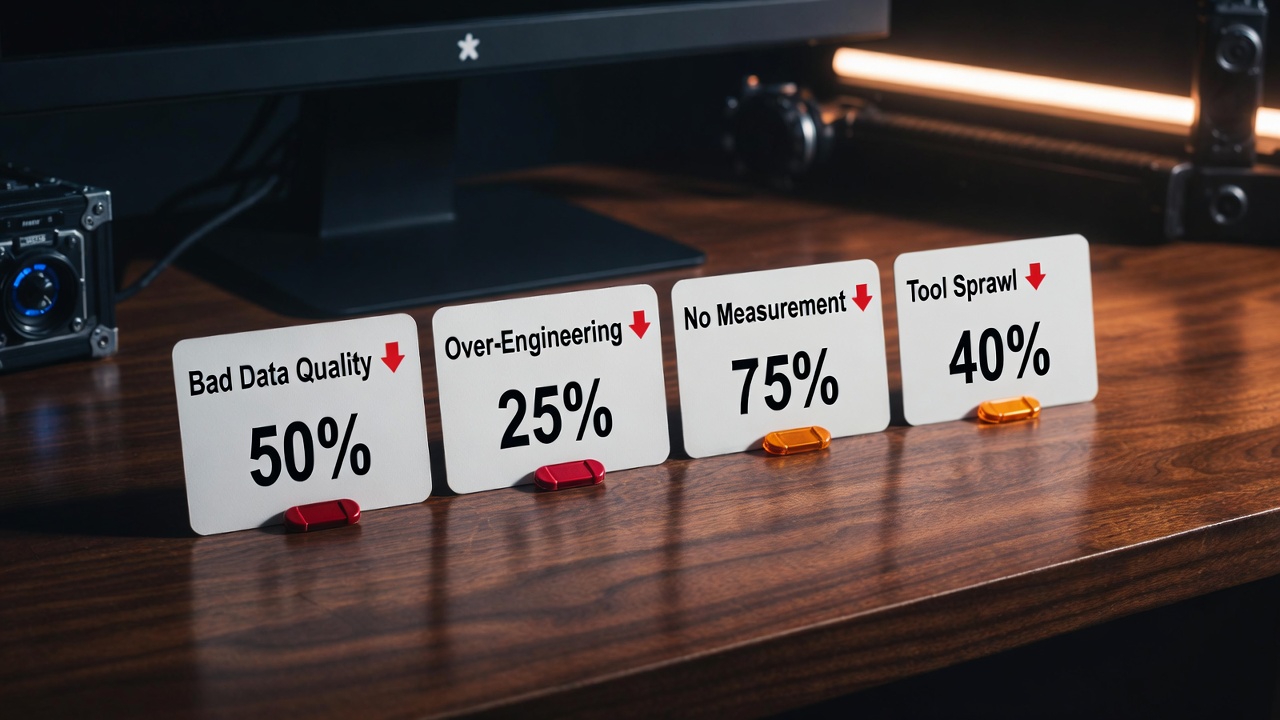
Most AI automation projects fail quietly — they get built, they run for a while, and then they stop being used because nobody's sure if they work. The four failure modes are bad data (garbage in, garbage out), over-engineering (building more than you need), no measurement (not knowing if it's working), and tool sprawl (too many overlapping tools nobody understands). Each has a specific fix.
The Failure Rate No One Talks About
According to McKinsey's 2024 AI survey, 76% of companies report that their AI initiatives fail to meet their initial objectives. Gartner puts the failure rate for AI projects even higher — 85% — when measured against the ROI promised at project approval.
This isn't because AI doesn't work. It's because AI projects are uniquely prone to a set of failure modes that traditional software projects don't share. A traditional software project that's well-specified and well-built mostly works. An AI project that's well-built but poorly data-fed, or well-intentioned but unmeasured, fails in ways that are hard to detect until months of investment have been wasted.
We've been brought in to salvage failing automation projects a dozen times. Every single one mapped to one or more of the four failure modes below. Here they are — with the specific diagnostic question to identify each one and the fix to apply.
Failure Mode 1: Bad Data
Diagnostic question: "If a human agent read our knowledge base / CRM / data source right now, could they do the job correctly?"
If the answer is no, the AI won't be able to do it either.
This is the most common and most avoidable failure mode. An AI support system that's fed incomplete documentation will hallucinate answers. A CRM automation built on stale data will route leads to the wrong people. A reporting automation that pulls from inconsistent data sources will generate numbers nobody trusts.
Bad data takes three forms:
- Incomplete data — the knowledge base has 40% coverage of your product and nothing about your refund policy
- Outdated data — the pricing docs reference last year's tiers, the product docs describe features that no longer exist
- Inconsistent data — the same metric is calculated three different ways across four different spreadsheets
The fix:
Conduct a data audit before building anything. For knowledge-base systems: list every product/policy area and confirm there's accurate, complete documentation for each. For CRM automations: run a data quality report and fix the 20% of records that are wrong before training any model on the rest. For reporting automations: agree on a single source of truth for each metric before writing a line of code. Budget 20–30% of your project time for data quality — it's not glamorous, but it's load-bearing.
Failure Mode 2: Over-Engineering
Diagnostic question: "Could we solve 80% of the problem with a much simpler solution?"
If yes, build the simple solution first.
AI projects attract engineers who want to build interesting systems. The result is automations designed for hypothetical scale and edge cases that don't exist yet — multi-agent orchestration frameworks for a workflow that handles 50 tickets per day, fine-tuned models for a task that a simple RAG pipeline would handle, custom vector databases for a knowledge base of 200 documents.
Over-engineering extends timelines, increases complexity, and makes systems harder to maintain and debug. The most sophisticated solution is not the most valuable solution.
We've seen a $180,000 custom AI pipeline built for a process that a $400/month Make.com + GPT-4 setup handles just as well in production. The difference in build cost was entirely absorbed by complexity that never delivered additional value.
The fix:
Apply the "dumbest viable solution" principle. Before designing the architecture, ask: what's the simplest possible system that would solve this problem well enough? Build that first. Add complexity only when you've proven the simple version works and identified a specific constraint it can't handle. The order should be: workflow automation tool (Make/n8n) — API integration — off-the-shelf LLM — fine-tuned model — custom ML. Most business problems never need to go past step 3.
Got a failing automation? Let's rescue it.
We diagnose, redesign, and rebuild AI automations that aren't delivering. Usually faster and cheaper than starting over.
Failure Mode 3: No Measurement
Diagnostic question: "Do we have a dashboard showing, in real time, whether this automation is working?"
If no, you don't know if it's working. And eventually, it won't be — and you won't know that either.
The "build it and forget it" failure mode is devastatingly common. A team builds an automation, it works for 6 weeks, then an API changes or a model update alters behaviour or new edge cases appear — and nobody notices because nobody's measuring anything. Months later, someone asks why their AI support system is generating complaints and discovers the knowledge base hasn't been updated in 4 months and the model is hallucinating answers.
Every automation needs three measurement layers:
- Health metrics — is the automation running? Error rate, uptime, processing volume. This is your infrastructure monitoring layer. Alert immediately when things break.
- Output quality metrics — is the automation producing good outputs? For support: resolution rate, escalation rate, CSAT. For outreach: reply rate, positive reply rate. For reporting: data accuracy score. Review weekly.
- Business impact metrics — is the automation delivering the ROI it promised? Compare current state (hours saved, cost per unit, revenue impact) against pre-automation baseline. Review monthly.
The fix:
Instrument every automation at build time — not as an afterthought. Every workflow should have a logging layer that records: inputs, outputs, processing time, and any errors. Build a simple dashboard (a Notion database or Google Sheet connected to your workflow tool is fine) that shows health metrics at a glance. Set up automated alerts for anomalies. Schedule a 30-minute monthly review of output quality and business impact metrics. Automate cannot be passive investments — they require active, lightweight stewardship.
Failure Mode 4: Tool Sprawl
Diagnostic question: "Could any person on the team, without the original builder's help, explain how this automation works and fix it if it breaks?"
If no, you have a tool sprawl problem.
The AI tools landscape has exploded. In 2024 alone, hundreds of new AI automation platforms, LLM wrappers, and no-code tools launched. Each promises to be the last tool you'll ever need. The result for many businesses: 8–12 overlapping tools, none of which the team understands well, all of which are billing monthly.
Tool sprawl creates maintenance debt, knowledge debt (when the person who built it leaves), security risk (more integrations = more attack surface), and cognitive overhead that makes teams reluctant to touch automations they didn't build.
We've audited automation stacks where a business was paying $3,200/month across 14 tools to do work that a single $99/month n8n instance with $200/month in API costs could handle.
The fix:
Adopt a "minimum viable stack" philosophy. Pick one workflow orchestration tool (n8n or Make.com — pick one, not both). Pick one LLM provider and stick to it. Pick one vector database. Pick one monitoring platform. Document every tool in your stack: what it does, what connects to it, how much it costs, who is responsible for it. Any new tool must replace an existing tool or solve a problem the existing stack provably cannot solve. Consolidation reviews quarterly.

The Framework That Prevents All Four Failures
Before building any automation, run through this five-point pre-flight checklist:
- Data quality gate — can you demonstrate that your input data is accurate, complete, and current? If not, fix that first.
- Complexity ceiling — have you identified the simplest solution that solves 80% of the problem? Have you committed to building that first?
- Measurement plan — what are the three metrics you'll track? How will you measure the pre-automation baseline? What's your monitoring and alert setup?
- Stack audit — does this automation require a new tool, or can it be built with your existing stack? If a new tool is required, what's it replacing?
- Maintenance ownership — who owns this automation? Who can fix it if it breaks? Who is responsible for keeping the knowledge base or data sources current?
Five questions. Fifteen minutes. They prevent 85% of failure modes before a line of code is written.
FAQs
How do you know when an automation should be rebuilt vs. rescued?
Rescue if: the core logic is sound but the data is bad, the measurement is missing, or there's too much tooling complexity. Rebuild if: the fundamental architecture is wrong (built for a problem that's since changed), the codebase is unmaintainable (no documentation, no tests, original builder unavailable), or the tool it's built on is deprecated or prohibitively expensive to scale. We've found that 60% of "failed" automations are rescuable with a data quality fix and better monitoring — the underlying logic was fine.
Is fine-tuning ever the right choice, or is RAG always better?
RAG is right when you need the model to access specific, updateable knowledge (product docs, policies, FAQs). Fine-tuning is right when you need the model to adopt a specific output style, format, or behaviour pattern that's hard to achieve through prompting alone — for example, generating SQL queries in your specific schema, or producing emails in a very specific brand voice. In practice, 90% of business automation use cases are better served by RAG + strong system prompts than by fine-tuning. Fine-tuning is expensive, requires ongoing maintenance, and loses the benefit of base model improvements when the model is updated.
What's the minimum team size needed to maintain an AI automation?
One person with 2–4 hours per week of capacity, provided they understand how the system works and have access to change it. The key is clear documentation and a monitoring dashboard — if those exist, a non-technical ops person can manage most automations. For complex multi-system automations, you want a technical person on call, but "on call" means available to fix things, not actively managing the system day-to-day.
What does LoopSuit charge to audit and rescue a failing automation?
The initial audit call is free and takes 45 minutes. We review what you've built, identify the failure mode(s), and give you a plain-English diagnosis with recommended next steps. If you want us to execute the rescue, that's scoped separately based on complexity — typically $3,000–$12,000 CAD depending on what needs to change. Most clients find that the audit alone gives them enough clarity to know whether to rescue or rebuild.