TL;DR
A properly configured AI support system — built on a RAG knowledge base, a fine-tuned LLM, and smart escalation triggers — can resolve 80–85% of support tickets automatically, reduce first-response time from hours to under 10 seconds, and actually improve CSAT scores. You don't need to hire a single additional support agent to scale from 1,000 to 10,000 requests a month.
In This Article
The Scale Problem No Hire Can Solve
Support volume doesn't grow linearly. One successful product launch, a viral moment, or a seasonal spike can triple your inbound tickets overnight. The traditional response — hire more agents — fails on three fronts: it's slow (30–60 days to onboard), it's expensive (a fully-loaded support rep in Canada costs $55,000–$70,000/year), and it doesn't scale down when volume drops.
Here's the real breakdown for a team handling 10,000 tickets/month manually:
- Average handle time: 8 minutes per ticket
- Total agent-hours required: ~1,333 hours/month
- FTE equivalent: 7–8 full-time agents (at 170 productive hours/month each)
- Annual labour cost: $385,000–$560,000
- AI system equivalent cost: $18,000–$36,000/year (build + run)
The math is stark. But the bigger issue isn't cost — it's quality and consistency. Human agents have bad days. They interpret policy differently. They miss context. An AI agent trained on your exact knowledge base gives the same accurate answer at 3am on a Sunday as it does at 9am on a Monday.
How AI Support Actually Works in 2025
There's a lot of confusion about what "AI support" means. It's not a chatbot that says "I didn't understand that, can you rephrase?" and loops forever. Modern AI support systems are architecturally different from what existed two years ago.
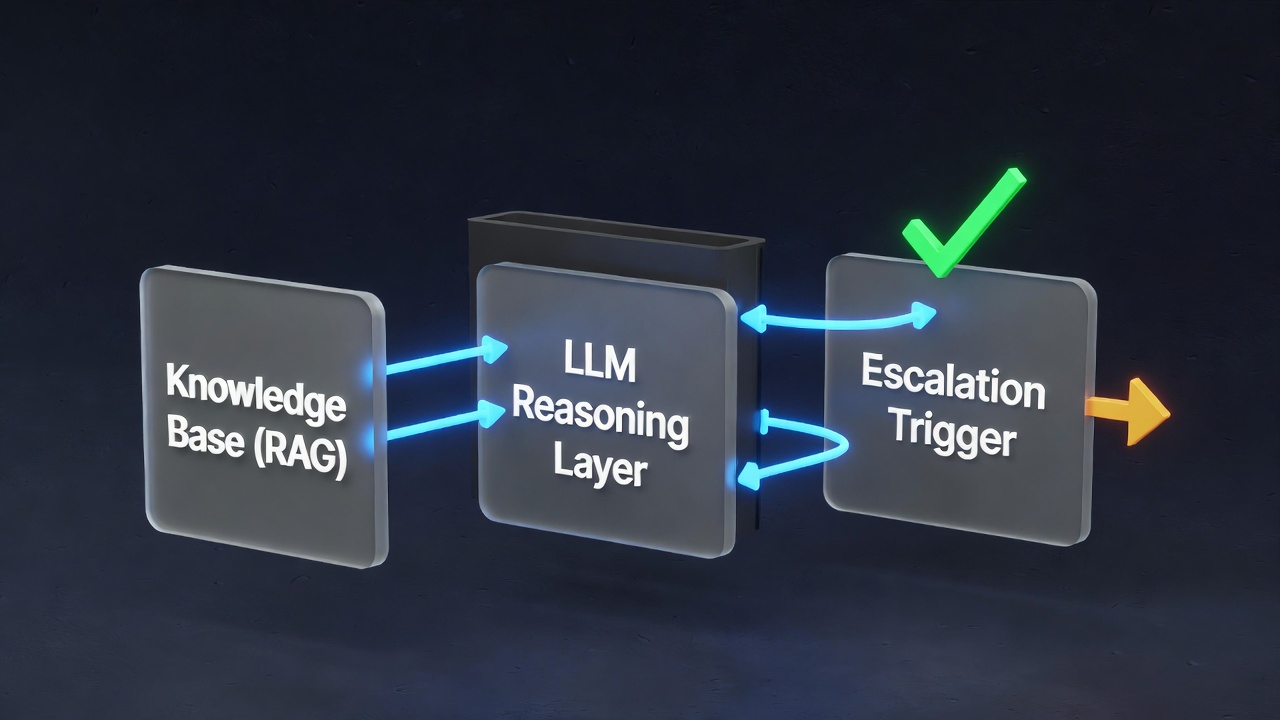
The core architecture has three layers:
Layer 1: Intent Classification
Every incoming message — whether from email, chat, or a web form — gets classified. What is this person trying to do? Refund request, shipping question, technical issue, account access, billing dispute? This classification determines which knowledge cluster to search and which response template to anchor on.
Modern classifiers (fine-tuned on your historical ticket data) achieve 94–97% classification accuracy. That's better than the average human agent who's been on the job for three months.
Layer 2: RAG Knowledge Retrieval
Once intent is classified, the system performs a semantic search across your knowledge base — not keyword matching, but meaning matching. A customer asking "where's my package?" retrieves the same shipping policy docs as "I ordered five days ago and nothing's arrived."
The retrieval system pulls the top 3–5 most relevant document chunks, which become the context window for the LLM response generator.
Layer 3: LLM Response Generation
The LLM — typically Claude or GPT-4 with a system prompt encoding your brand voice, escalation rules, and policy constraints — generates a response. It's not improvising from general knowledge. It's synthesising your specific documents into a coherent, on-brand reply.
Handle 10x the volume. Without 10x the staff.
We build AI support systems that resolve 80%+ of tickets automatically — trained on your knowledge base, configured to your escalation rules.
Building a Knowledge Base That Actually Works
The quality of your AI support system is directly proportional to the quality of your knowledge base. This is where most implementations fail. They throw in a few FAQ pages and wonder why the AI hallucinates.
A properly structured knowledge base for a 10,000-ticket/month operation requires:
- Product documentation — every feature, configuration option, and limitation documented clearly
- Policy documents — returns, refunds, warranties, SLAs, terms — written in plain language, not legalese
- Historical ticket resolutions — your top 200 most common ticket types, with the correct resolution for each, written as the AI should respond
- Edge case playbook — what to do in the 50 most common scenarios that don't fit standard categories
- Brand voice guide — tone of voice, words to use/avoid, how formal to be, emoji policy
Building this takes 2–4 weeks the first time. But once it exists, updating it is trivial. Every time your product changes, you update the relevant doc. The AI immediately reflects the change — no retraining required.
Chunking Strategy Matters
How you split your documents into retrievable chunks dramatically affects retrieval quality. A chunk that's too large dilutes the relevant signal. Too small and you lose context. The sweet spot for most support use cases is 300–500 tokens per chunk, with 50-token overlaps to preserve context across boundaries.
Documents should be chunked by semantic unit — complete answers to complete questions — not by arbitrary character count.
The RAG + LLM Layer: What to Use and Why
You have choices at every level of the stack. Here's what we use at LoopSuit and why:
Vector Database
Pinecone or Weaviate for production deployments. Both support hybrid search (semantic + keyword), which dramatically improves retrieval on product names, SKUs, and other specific identifiers that pure semantic search can miss.
Embedding Model
OpenAI text-embedding-3-large for English-primary deployments. For multilingual support, Cohere's multilingual embeddings outperform significantly. The embedding model determines how well synonyms and paraphrases retrieve the same documents.
LLM for Generation
Claude 3.5 Sonnet is our default for support generation. It follows instructions reliably, rarely hallucinates when given strong context, and produces natural-sounding prose. GPT-4o is a strong alternative. Do not use smaller models for support — the instruction-following degradation at smaller sizes creates unpredictable behaviour.
Orchestration
n8n for the overall workflow — routing incoming tickets, calling the retrieval API, generating the response, and pushing back to your helpdesk (Intercom, Zendesk, Freshdesk). This keeps the logic visual and auditable.
Smart Escalation Triggers: When AI Hands Off to Humans
An AI support system without good escalation logic is a liability. The goal isn't to replace every human interaction — it's to reserve human attention for situations where it genuinely matters.
Configure automatic escalation when:
- Sentiment score below threshold — any message with a frustration score above 0.7 goes to a human queue immediately
- Monetary disputes — chargebacks, refund amounts above your defined threshold, billing errors
- Legal or compliance language — any message mentioning lawyers, regulators, or threatening formal action
- Low confidence retrieval — if the top retrieved chunk has a cosine similarity score below 0.75, the AI doesn't have good enough information to answer confidently
- Repeated contacts — if the same user has contacted support 3+ times in 7 days on the same issue, escalate
- VIP accounts — enterprise or high-value accounts can be tagged for human-first handling
Escalation should be seamless. When the AI hands off a ticket, it writes a context summary for the human agent: what the customer asked, what documents were retrieved, what response was drafted, and why it escalated. The human picks up the conversation in seconds with full context — no re-reading the thread.
CSAT Results: What the Data Actually Shows
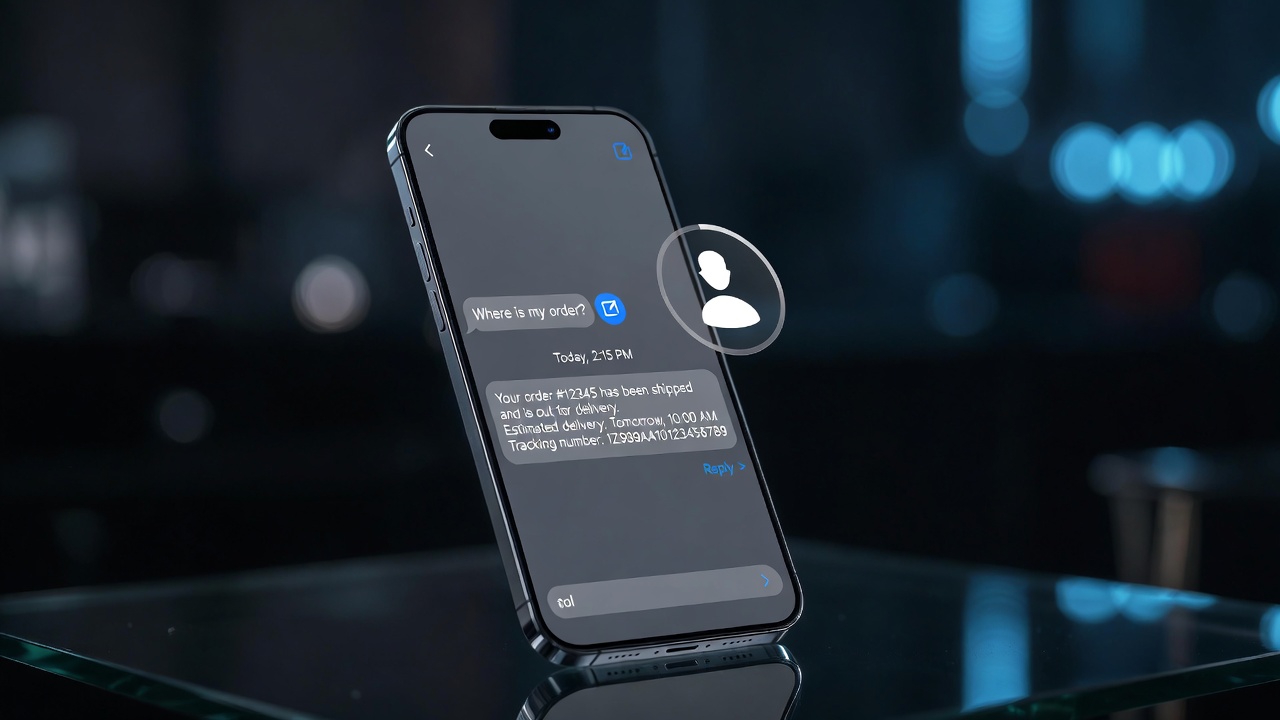
The counterintuitive finding in every AI support implementation we've shipped is this: CSAT scores improve. Not despite AI handling tickets — because of it.
Here's why. The CSAT drivers customers care about most are:
- Speed of first response — humans average 4–8 hours; AI responds in under 10 seconds, 24/7
- Accuracy of the answer — AI trained on correct policy documents is more accurate than a new hire who's been on the job for 6 weeks
- Consistency — the same question gets the same correct answer every time, regardless of which "agent" handles it
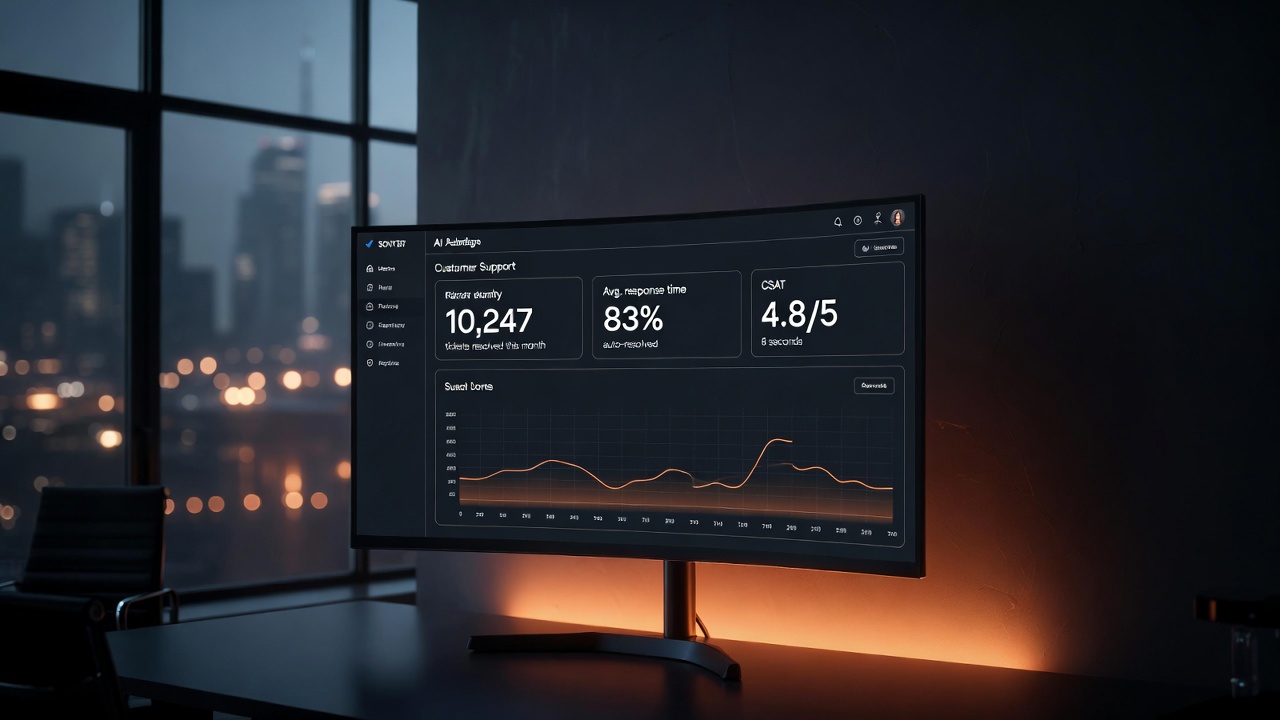
Across implementations we've built, the average CSAT movement is +0.4 to +0.8 points on a 5-point scale. First-response time drops from an average of 5.2 hours to 8 seconds. Ticket resolution rate for AI-handled queries sits between 78% and 87%, depending on product complexity.
The human agents who remain focus exclusively on complex, high-value interactions — and that focus shows. Their individual CSAT scores typically go up as well, because they're not fatigued from handling "where's my order?" for the 40th time that day.
Implementation Steps: From Zero to Live in 3 Weeks
Here's the exact sequence we follow when building an AI support system for a client:
Week 1: Knowledge Architecture
- Audit existing docs, FAQs, and policy pages — identify gaps
- Pull last 6 months of ticket data — identify top 200 ticket types by volume
- Write resolution documents for each ticket type
- Define escalation rules with client stakeholders
- Write system prompt and brand voice instructions
Week 2: Build and Connect
- Set up vector database, ingest all knowledge base documents
- Configure intent classifier (fine-tune on historical ticket data)
- Build n8n orchestration workflow
- Connect to helpdesk via API (Intercom/Zendesk/Freshdesk)
- Configure escalation routing to human queue
Week 3: Test, Measure, Launch
- Shadow mode testing — AI generates responses but humans review before sending
- Measure accuracy on 200 test cases across all ticket types
- Iterate on system prompt, chunking strategy, and escalation thresholds
- Gradual traffic rollout: 20% — 50% — 80% — 100%
- Monitor CSAT, resolution rate, and escalation volume in real time
Ongoing maintenance is minimal — roughly 2 hours/week to review escalation logs, update docs when policies change, and audit any responses flagged by the monitoring system.
FAQs
What if a customer can tell they're talking to an AI?
Transparency is the right approach. We recommend configuring the system to identify itself as an AI assistant — "Hi, I'm the LoopSuit support assistant" — rather than pretending to be human. Most customers don't care if the answer is accurate and fast. The ones who do can always be escalated to a human with one click.
What happens when the AI doesn't know the answer?
The system is configured to escalate rather than guess. If retrieval confidence is below threshold, the AI responds: "This is a great question — I want to make sure you get the most accurate answer. Let me connect you with a specialist." The ticket is then immediately routed to a human queue with a context summary. The AI never makes up information.
How do you keep the knowledge base current as products change?
We build a content management layer on top of the vector database. When a policy changes or a product is updated, you edit the relevant document in a CMS (usually Notion or Confluence), and a webhook triggers automatic re-indexing. The AI reflects the change within minutes — no redeployment required. We also set up a monthly audit workflow that reviews the 50 most common recent tickets and flags any that reveal knowledge gaps.
What's the minimum ticket volume to justify building this?
We typically recommend this for teams handling 500+ tickets/month. Below that threshold, the build cost takes too long to amortise. At 500 tickets/month, payback is around 8–10 months. At 2,000 tickets/month, payback is typically under 3 months. At 10,000 tickets/month, you're saving $30,000–$50,000 per month from day one.